
AI Meeting Bots 2026: The Silent Listener in Every Zoom Call
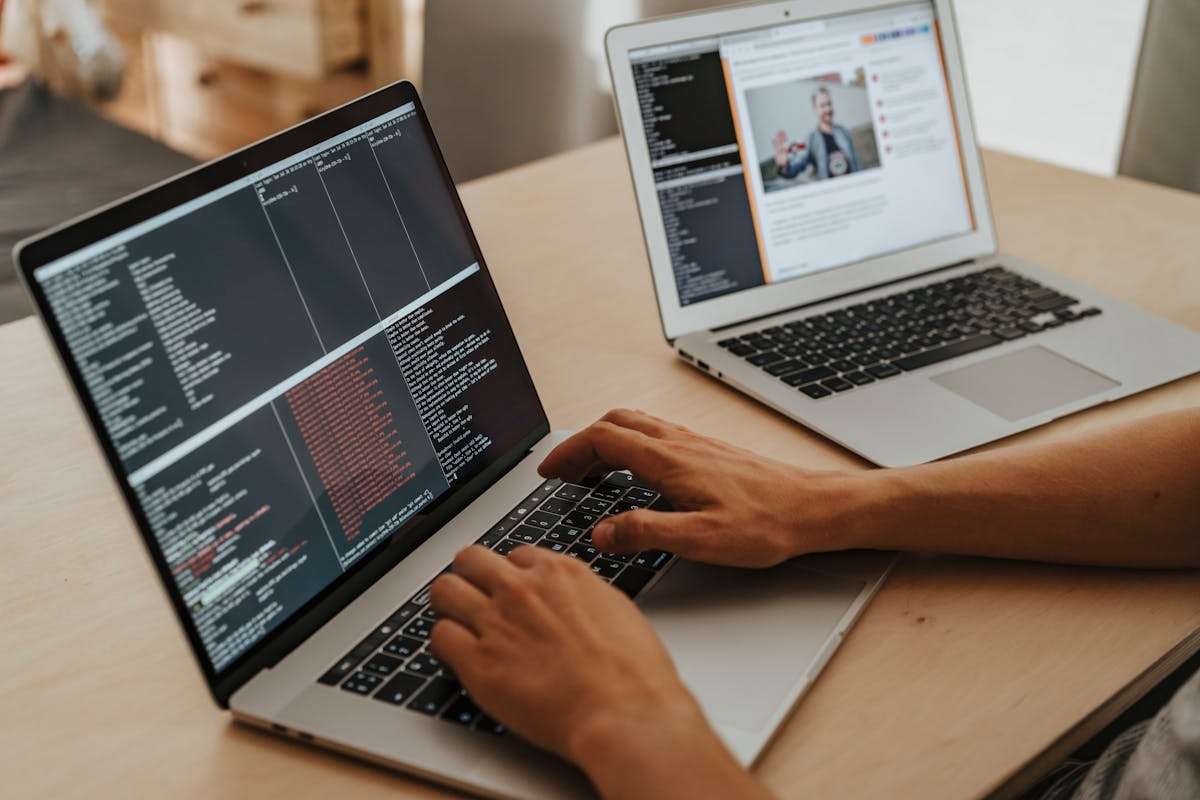
There is a new kind of attendee in your business meetings. It has no camera. It never speaks. It is never introduced. But it records every word, identifies every speaker, tracks sentiment, and sends a structured summary to your manager before you have closed your laptop.
AI meeting bots - tools like Otter.ai, Fireflies.ai, Zoom AI Companion, and Microsoft Copilot for Teams - are now embedded in the standard workflow of millions of organisations globally. They are productive, genuinely useful, and raise serious questions about consent, data privacy, and who actually owns the record of your conversations.
This guide covers which tools are doing this, what they capture, who can access the data, whether they are legal in different countries (including India), how to detect if one is in your meeting, and how to protect yourself when you need to.
Which AI Meeting Bots Are Widely Used in 2026
AI meeting bots are software tools that join video calls automatically, record the full audio, generate a word-for-word transcript, identify speakers by voice, and produce action item summaries - all without requiring any manual note-taking. The most widely deployed tools in 2026 are Otter.ai, Fireflies.ai, Zoom AI Companion, Microsoft Copilot for Teams, Gong, and Chorus by ZoomInfo.
Otter.ai
Otter.ai is one of the most recognised meeting transcription tools. It integrates directly with Zoom, Google Meet, and Microsoft Teams, joins meetings automatically as a named participant called "Otter Notetaker," and generates a real-time transcript visible to the account holder during the call. Business plans allow managers to access all transcripts from their team's meetings.
Fireflies.ai
Fireflies.ai joins as "Fireflies Notetaker" and captures full audio and transcript. Its distinguishing feature is an AI search layer that lets you query meeting content - asking things like "what did the client say about budget in our last three calls?" - across months of stored recordings. This is particularly powerful for sales teams tracking deal conversations.
Zoom AI Companion
Zoom AI Companion is built directly into the Zoom platform and available on paid plans. Because it is native, it does not appear as a separate participant. The host must enable it, and Zoom shows a small AI icon in the toolbar. It generates summaries, action items, and can answer "what did I miss" questions when you join a meeting late.
Microsoft Copilot for Teams
Microsoft Copilot for Teams is integrated into Microsoft 365. Like Zoom AI Companion, it is a native feature rather than a third-party bot. It transcribes, summarises, and allows post-meeting queries in natural language. Enterprise IT admins can configure retention policies for all recordings, meaning recordings may be stored for months or years depending on company policy.
Gong and Chorus
Gong and Chorus (owned by ZoomInfo) are revenue intelligence platforms aimed specifically at sales teams. They go beyond transcription: they analyse talk-to-listen ratios, detect competitor mentions, track keywords, flag deal risks, and score calls against a defined "ideal" sales conversation pattern. Sales managers review recordings to coach representatives. Gong is used by companies like LinkedIn, Shopify, and Hubspot.
What These Bots Actually Capture
The scope of what modern meeting AI captures goes significantly beyond a simple recording:
- Full audio transcript - every word spoken, with timestamps accurate to the second
- Speaker identification - voice diarisation assigns each segment to a named participant
- Sentiment analysis - Gong and Chorus track whether a speaker sounds positive, negative, hesitant, or confident
- Action items and commitments - AI extracts phrases like "I'll send that by Friday" and logs them as tasks
- Keyword and topic tracking - specific words (competitor names, pricing terms, objection phrases) can be flagged automatically
- Talk ratio analytics - how much each participant spoke, measured to the percentage
- Meeting summary - a structured written recap, often generated before the call ends
Who Can Access Your Meeting Recordings
Access is determined by the tool, the plan tier, and the organisation's configuration - not by who was in the meeting.
On personal Otter.ai and Fireflies plans, only the account holder sees the transcript. On team and business plans, team managers and administrators have access to all recordings from team members' meetings. In enterprise Microsoft 365 deployments, IT administrators set retention and access policies that apply regardless of what the meeting participants agreed to. In Gong deployments, the revenue operations team, sales managers, and executives commonly review call libraries as part of standard workflow.
Crucially, the AI provider's servers also process your meeting data. Otter.ai, Fireflies, Gong, and Chorus all store recordings and transcripts on their cloud infrastructure. Their privacy policies govern how long this data is retained and whether it is used to train models. Always check the DPA (Data Processing Agreement) if you handle sensitive client information in calls.
Are AI Meeting Bots Legal? Consent Laws by Country
United States
Recording consent law in the US varies by state. Federal law and most states require only one-party consent - meaning the person doing the recording does not need to inform others. However, 11 states including California, Florida, and Illinois require all-party consent. If any participant is in a two-party consent state, all-party consent is required for that call. Using an AI meeting bot without disclosure in a cross-state business call can create legal liability.
European Union (GDPR)
Under GDPR, meeting recordings constitute personal data processing. All participants must be informed before the meeting begins, and there must be a lawful basis - usually legitimate interest or explicit consent. Simply sending a calendar invite does not constitute consent. EU-based companies that deploy AI meeting bots without proper disclosure face GDPR enforcement risk.
United Kingdom
The UK GDPR mirrors EU rules post-Brexit. The ICO (Information Commissioner's Office) guidance on workplace monitoring specifically addresses AI-assisted recording and requires transparency.
India
India's Digital Personal Data Protection Act (DPDP Act 2023) requires data principals (participants) to be informed when their personal data - including voice recordings - is being collected and processed. Consent must be informed and specific. Recording a business meeting with an AI tool without disclosing it to all participants could constitute a violation under the DPDP Act. The IT Act 2000's Section 43A (reasonable security practices) adds further obligations for organisations handling sensitive data.
Cases Where Meeting Bots Have Caused Problems
Several documented cases illustrate the practical risks beyond legal theory:
- A US venture capital firm faced backlash in 2024 after a founder discovered that a term-sheet negotiation call had been recorded and transcribed by the investor's Gong instance - without disclosure to the founder's team.
- A European law firm terminated a client engagement after the client's legal counsel discovered that deposition preparation calls had been processed through Otter.ai on the client's IT infrastructure, where the law firm's attorneys had not consented to recording.
- Multiple journalists have reported receiving Fireflies summary emails as meeting invitees - revealing that the host's bot had captured their conversations without their knowledge.
- Sales managers using Gong have faced pushback from sales teams who felt that AI sentiment scoring and talk-time monitoring constituted covert surveillance rather than coaching.
How to Detect an AI Bot in Your Meeting
Detection is straightforward if you know what to look for:
- Check the participant list immediately on joining - look for names like "Otter Notetaker", "Fireflies Notetaker", "Fathom Notetaker", or any participant name containing "Notetaker", "Recorder", or "Bot"
- Watch for the Zoom recording indicator - a red REC label appears in the top-left corner when Zoom's native recording is active
- Look for the Zoom AI icon - a small AI star icon in the toolbar when Zoom AI Companion is active
- Check Microsoft Teams - a banner at the top of a Teams call notifies all participants when transcription is active (required by Microsoft's own policy)
- Ask the host directly - in high-stakes meetings (legal, financial, HR), it is entirely reasonable to ask "Is this call being recorded or transcribed by any AI tool?"
How to Protect Yourself
If you regularly participate in sensitive business calls and want to manage AI recording exposure:
- Set a personal policy of asking about recording at the start of any sensitive call
- For your own meetings, configure explicit bot admission settings - Zoom allows hosts to block third-party app bots from joining
- If you manage a team, establish a written policy on AI recording disclosure - when it is used, who has access, and how long recordings are retained
- For confidential client calls, specify in your engagement agreement whether AI transcription tools will or will not be used
- Review the data retention settings in any AI meeting tool your organisation uses - many default to indefinite storage
For businesses deploying AI tools including meeting bots, building clear automation policies is part of responsible AI adoption. Our guide on agentic AI in business operations covers governance frameworks for AI tool deployment. For automation workflow design, our AI automation services include data handling policy guidance.
AI Meeting Bot Comparison Table 2026
| Tool | How It Joins | Key Features | Data Storage | Consent Settings |
|---|---|---|---|---|
| Otter.ai | Named participant "Otter Notetaker" | Real-time transcript, speaker ID, summary | Cloud (US servers) | Host can notify; team plans share access |
| Fireflies.ai | Named participant "Fireflies Notetaker" | AI search across meetings, CRM sync | Cloud, configurable retention | Host controls; enterprise admin access |
| Zoom AI Companion | Native (no separate participant) | Summary, catch-me-up, action items | Zoom cloud, host retention settings | Shows AI icon; host must enable |
| Microsoft Copilot Teams | Native (no separate participant) | Transcript, summary, Q&A on meeting | Microsoft 365, IT-controlled retention | Mandatory Teams banner notification |
| Gong | Named participant or native integration | Sentiment, keyword alerts, deal scoring | Gong cloud, enterprise SLA | Configurable; sales manager access default |
| Chorus (ZoomInfo) | Named participant | Talk ratio, competitor mention tracking | ZoomInfo cloud | Enterprise admin controls |
AI meeting tools deliver genuine value - fewer missed action items, better meeting summaries, and useful analytics for sales and project teams. The question is not whether to use them. The question is whether every person in a recorded meeting knows they are being recorded and has consented to how that data will be used. That standard is both a legal requirement in most jurisdictions and a basic courtesy. Treating it as optional is a risk that organisations increasingly cannot afford. For teams implementing AI automation workflows, meeting bots are one node in a broader data ecosystem that deserves clear governance.